Web UI
Single-page React dashboard embedded into the server binary. Login, manage rules, watch live stats, browse the audit log.
Available since v0.6.0. The UI is embedded into portunus-server via
rust-embed and served at the existing operator HTTP listener's root
path /. There is no runtime Node dependency on the deployment host.
Open it
portunus-server ships with the SPA bundled. Open the operator HTTP
listener address in a modern browser:
http://127.0.0.1:7080/Supported browsers: Chrome / Firefox / Safari / Edge — latest two releases.
Login
Since v1.1.0 the Web UI uses local user ID + password login. On first
startup, before any active superadmin exists, the server prints a setup
token to stderr and stores only its hash in SQLite. Open the Web UI, enter
that setup token, and create the first superadmin account.
- The setup token expires after 30 minutes.
- If onboarding is not completed, each server process start rotates the setup token and invalidates the previous one.
- Web login creates an
HttpOnlyportunus_sessioncookie. The SPA does not store login secrets insessionStorageorlocalStorage. - Admins create users manually and may set an initial password. Self-service public registration is intentionally not supported.
API bearer tokens still exist, but they are separate from Web login. Use API
tokens for CLI and automation (PORTUNUS_OPERATOR_TOKEN); use passwords for
the browser.
What you get
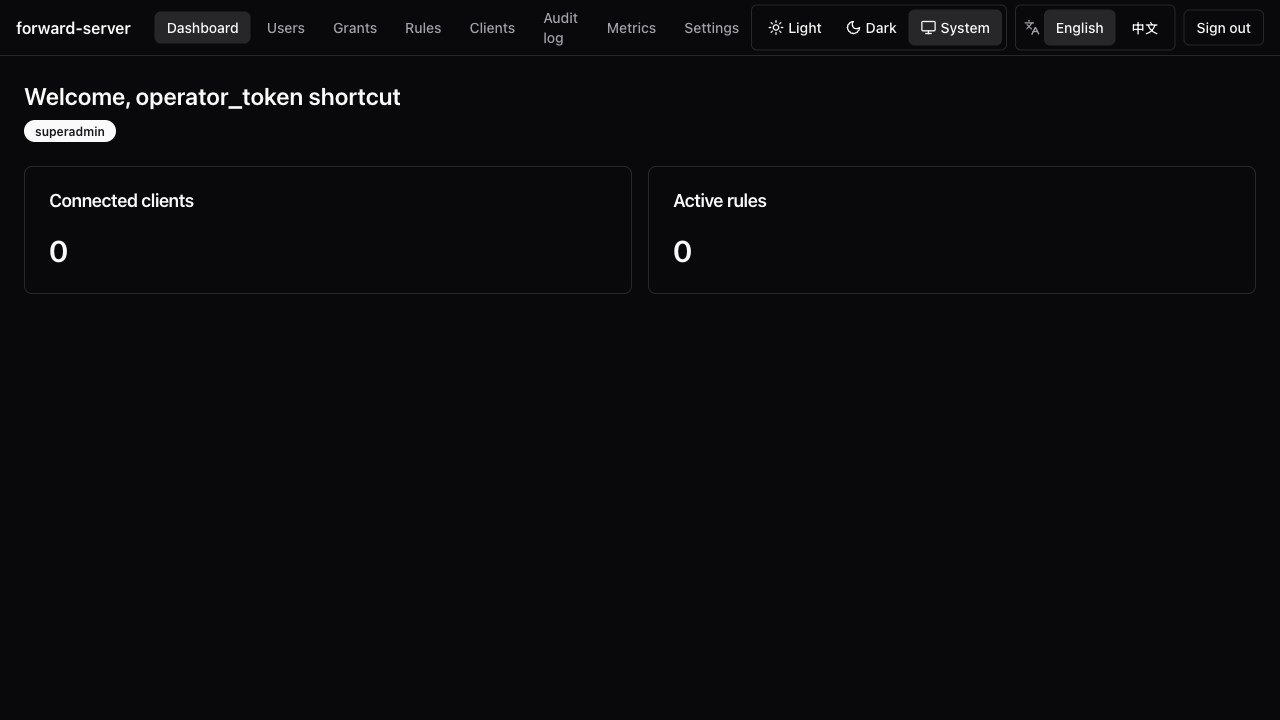
| Section | Notes |
|---|---|
| Dashboard | Connected clients, active rules, top metrics |
| Users | (superadmin) Add/list users; issue credentials; track grants |
| Credentials | Self-service rotation for the logged-in user |
| Grants | (superadmin) RBAC grant management |
| Rules | Push, list, remove. Per-rule live stats over SSE (5 s cadence; falls back to polling if SSE blocked) |
| Clients | List and inspect connected portunus-client instances |
| Audit log | (superadmin) Filter by outcome, paginate via cursor, export NDJSON |
| Metrics | (superadmin) Raw /metrics payload behind RBAC |
| Settings | Theme + language toggles |
Per-rule live stats
The rule detail page subscribes to
GET /v1/rules/{id}/stats/stream — an SSE channel that pushes one
RuleStatsSnapshot per stats-report tick (default 5 s,
stats_report_interval_secs). A fresh subscriber gets the cache's
current snapshot immediately, then live fan-out from a per-rule
tokio::sync::broadcast, so cost is O(rules), not
O(rules × subscribers). A 30 s keep-alive comment holds the
connection open through middleboxes. Slow consumers that fall behind the
broadcast buffer drop snapshots (Lagged) and a stats_stream.lagged
warning is logged.
Multi-target rules
The rule detail Targets section shows health badges (Healthy / Degraded / Failed), last-failure / last-success timestamps, and per-target byte counters that update on the SSE cadence.
Rate limiting & QoS
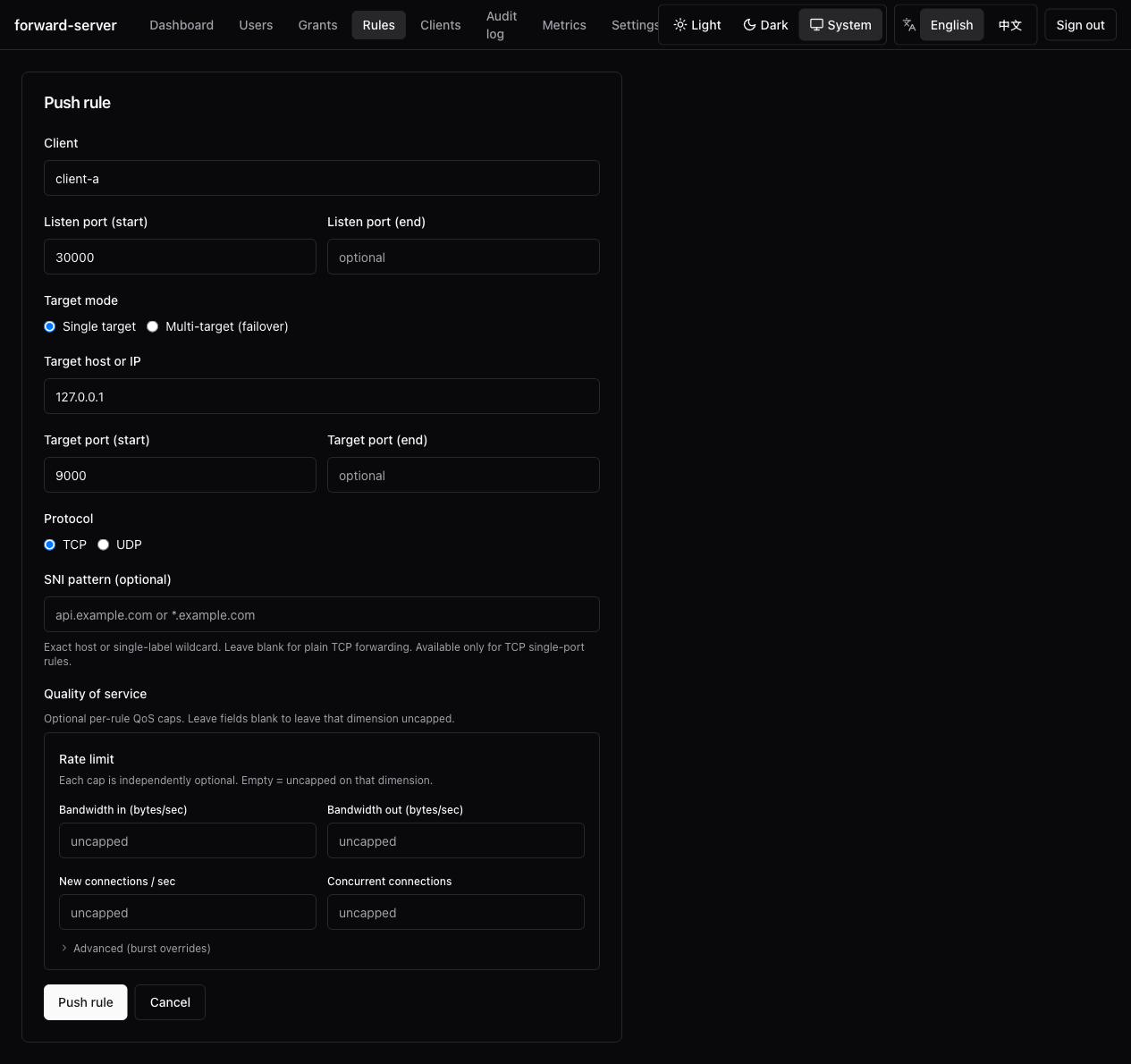
The rule editor gains a "Quality of service" section. Burst overrides
are folded behind an "Advanced" disclosure. The rules table gains a
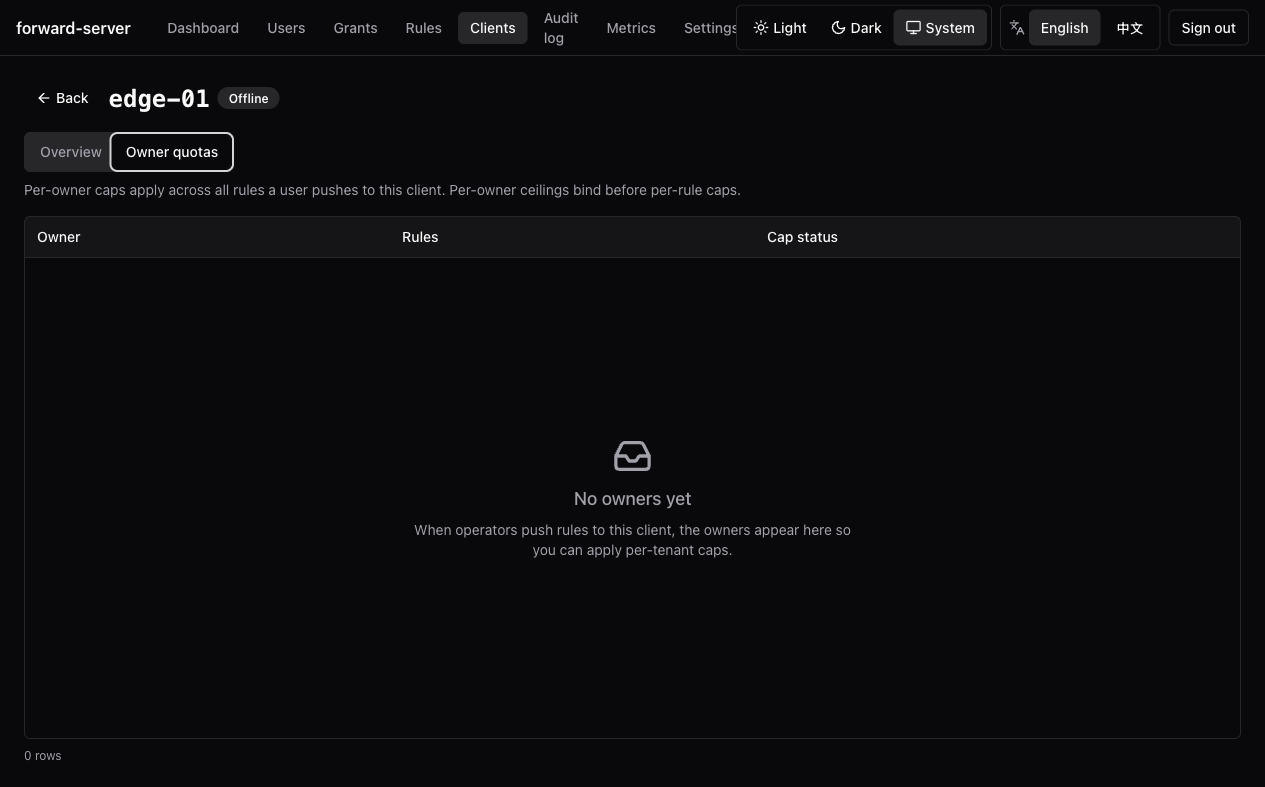
compact Caps column. The client detail page gains an Owner quotas
tab for managing per-owner envelopes.
Themes & i18n
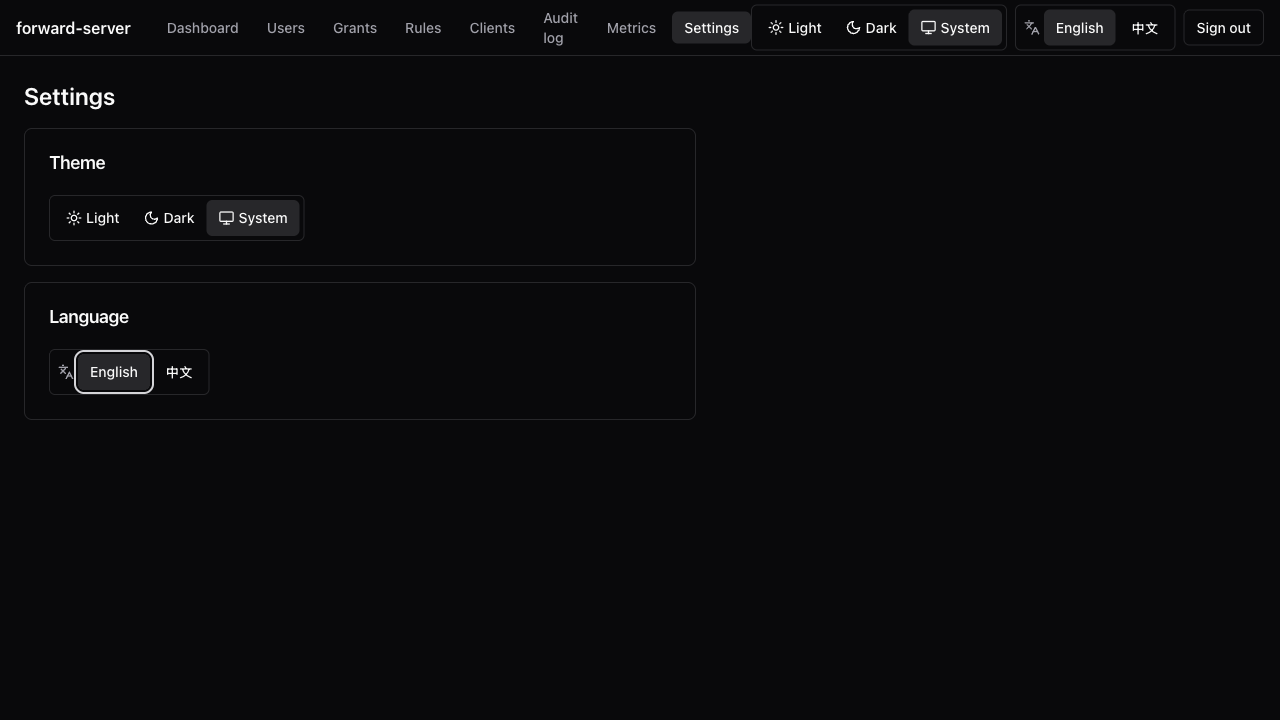
- Themes: light / dark /
prefers-color-scheme. - Languages: English + 简体中文 (toggle in Settings; remembered across reloads).
A coverage unit test fails CI if a translation key drifts between bundles.
Bind address
The operator HTTP listener defaults to loopback. For containers or trusted
reverse proxies, set operator_http_listen = "0.0.0.0:7080" and publish the
port intentionally. Remote access stays an operator concern:
- SSH-tunnel
127.0.0.1:7080from your workstation, or - Sit the listener behind a reverse proxy that adds its own auth.
Secret-leak safeguards
- Web login secrets are never written to browser storage.
- Session cookies are
HttpOnly,SameSite=Lax, andSecurewhen TLS is enabled. - API tokens and temporary passwords are shown only in one-time reveal dialogs and are never placed in URLs.
Password recovery
Normal users do not self-reset through a public "forgot password" flow. A
superadmin resets the password from the user detail page. The reset revokes
Web sessions and revokes API tokens by default unless the admin explicitly
keeps them.
If the last superadmin forgets the password, recovery is local-only. Use the
actual superadmin user ID (_superadmin for bootstrap-superadmin, or the ID
chosen during Web onboarding):
portunus-server --data-dir /var/lib/portunus reset-password admin --temporaryThe command prints a temporary password once and marks the account as requiring a password change. There is no remote backdoor reset endpoint.
Build
The SPA lives at webui/. Release pipelines run:
cd webui
pnpm install --frozen-lockfile
pnpm build      # vite build + size-limit gate (gzipped ≤ 500 KB)
cd ..
cargo build --release -p portunus-server
Backend-only iteration:
PORTUNUS_SKIP_WEBUI=1 cargo build -p portunus-server
# Compiles a UI-less stub so rust-embed always has something to embed.
Release pipelines never set this env var.
Multi-user RBAC
Users, local Web passwords, API credentials, and per-tenant grants scoped to clients, port ranges, and protocols.
Advertised Endpoint
Runtime-configurable host:port that enrolled clients use to reach the gRPC control plane. Resolved once at enrollment creation, validated against the server certificate SAN.